Buttons & Badges

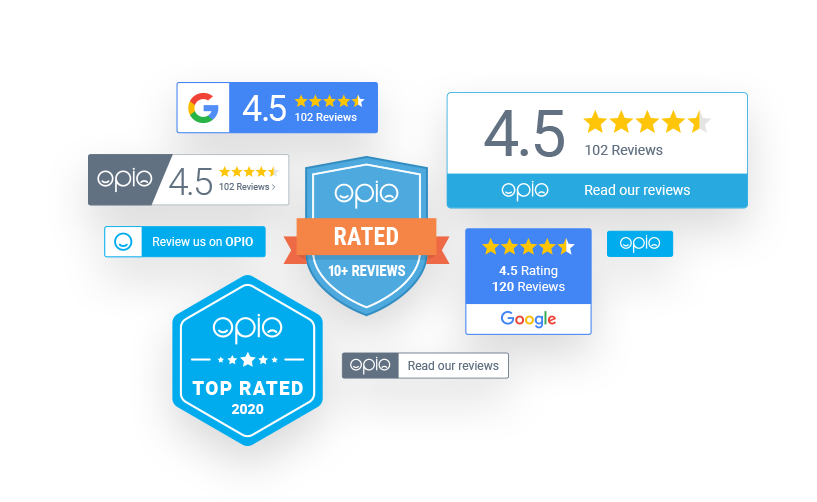
Did you know that you can now add OPIO and Google badges of trust onto your website? These badges truly add another layer of credibility to your business and customer reviews.

Add your badges to your website through your OPIO dashboard by clicking ‘Buttons and Badges’ at the top. From there, you will be able to view which badges are available for your business depending on the number of reviews acquired.

If you are having any trouble adding your badges or navigating any other features of OPIO, don’t hesitate to give us a call!

Start building trust today

Lorem ipsum dolor sit amet, consectetur adipiscing elit, sed do eiusmod tempor incididunt ut labore et dolore magna aliqua. Ut enim ad minim veniam, quis nostrud.

Get Started

Blog

Read the latest blogs and updates

Facebook Reviews

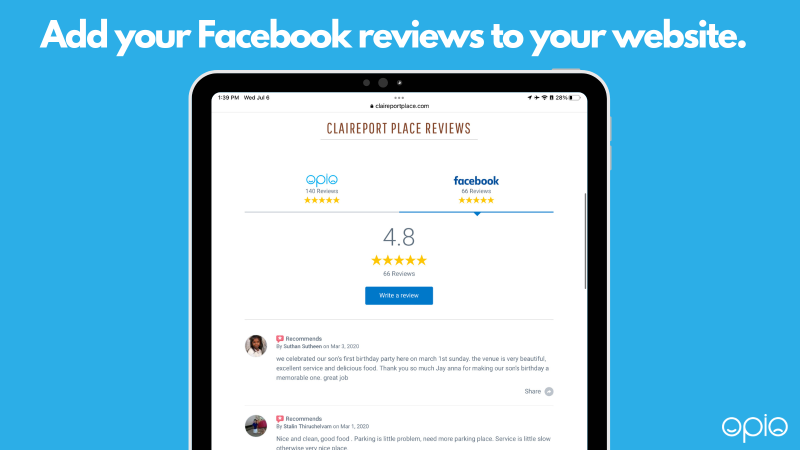
We already have the ability to add your Google reviews to your onsite OPIO review feed. Now we have recently added the ability to add your Facebook reviews as well! Customers who click ‘write a review’ will be sent straight to your Facebook page to make a recommendation.

Read More

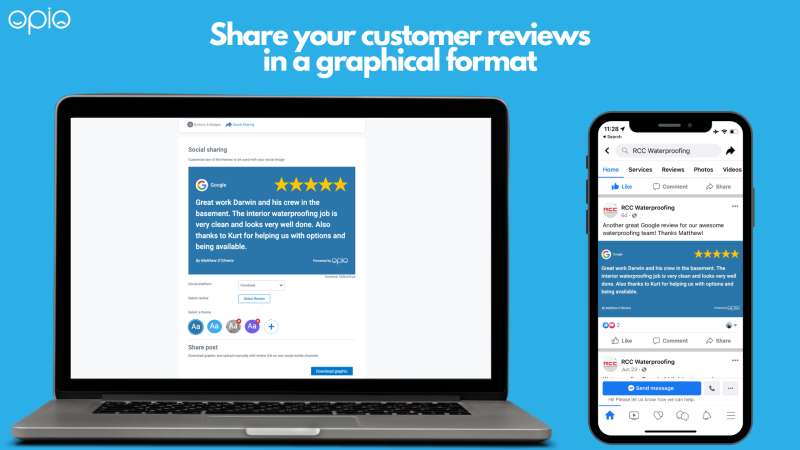
Social Sharing

Here at OPIO we are constantly working to build and implement new features to make the platform work better for businesses and consumers.

Read More

New Feature: Email Review Request

OPIO is excited to announce the launch of its newest feature- the email review request! (ERR) This tool is located under your ‘review request tools’ tab in your OPIO dashboard. We created this tool to help our clients request more reviews seamlessly and automatically.

Read More